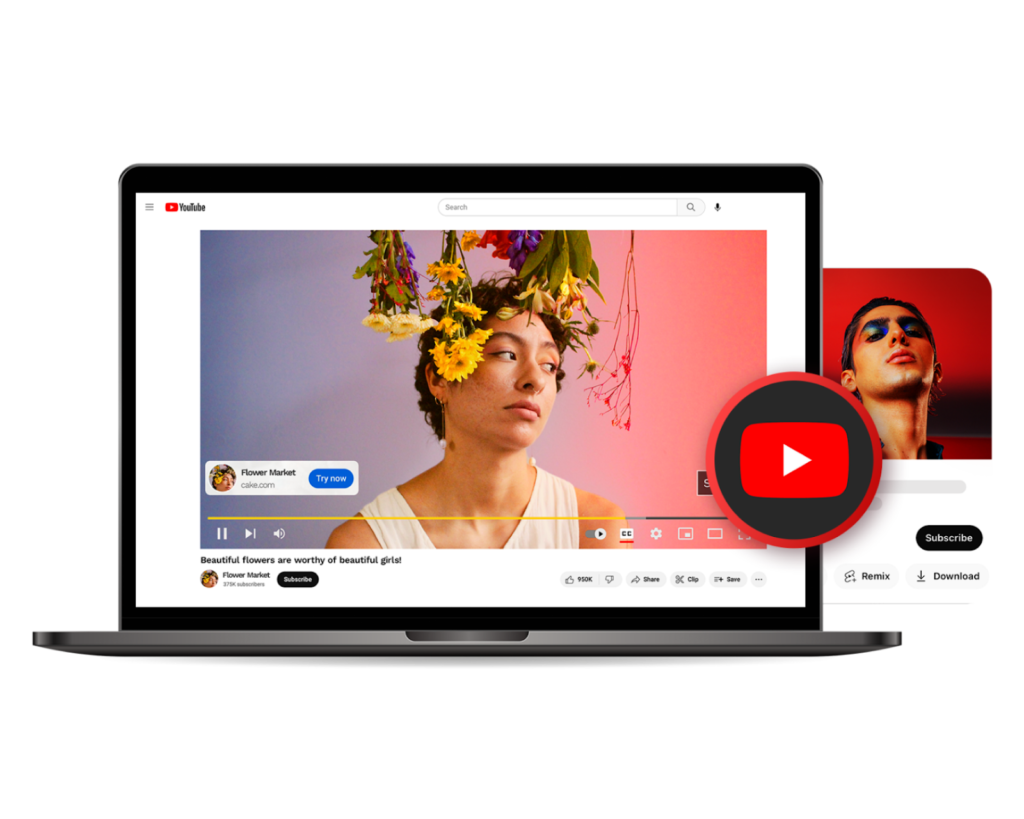
Short-form video has completely changed how people watch, share, and engage with content online. YouTube Shorts alone now records over 70 billion daily views, and creators who adapt to this format are seeing faster growth than ever before. As attention spans shrink, the demand for tools that can turn long videos into sharp, engaging clips has grown rapidly.
This is where modern clip-making tools step in. They help creators, brands, educators, and businesses turn ideas into watch-ready YouTube clips with less effort and more control. This guide breaks down the top 10 YouTube clip maker tools shaping the short-form video movement today, with a clear focus on how they solve real creator problems.
Table of Contents
ToggleWhat makes a YouTube clip maker essential today?
A good clip maker helps you turn raw footage into scroll-stopping content without wasting hours on manual editing. It simplifies trimming, captions, voiceovers, and pacing so creators can focus on storytelling instead of timelines.
In the first stage of the workflow, a youtube clip maker like invideo fits naturally into how creators work today, offering text-driven editing that feels intuitive even for beginners. The goal is speed, clarity, and consistency across videos, especially for Shorts and quick uploads.
Why are AI-powered tools changing YouTube editing?
AI has removed many technical barriers that once slowed creators down. Tasks that used to take hours now happen in minutes with smart automation and guided controls.
An ai video app helps with scene detection, subtitle timing, voice sync, and format optimization, making it easier to publish videos that feel polished and platform-ready. This shift has allowed solo creators and small teams to compete with large production studios.
1. Invideo
Summary: A powerful, AI-driven solution that turns ideas into professional YouTube clips using simple text-based editing and smart automation.
Invideo stands out by focusing on the full YouTube workflow, from script to final clip. Creators can generate visuals, add voiceovers, apply subtitles, and refine edits without deep technical knowledge. Its strength lies in speed and control, allowing creators to make consistent short-form content at scale.
Key highlights include:
- Text-based editing for quick changes
- Automatic subtitles for higher retention
- Built-in voiceovers for narration-heavy clips
- Easy resizing for Shorts and standard YouTube formats
This balance of ease and depth makes it a strong choice for creators who publish often.
2. CapCut
Summary: A popular clip editor known for its smooth interface and strong mobile-to-desktop workflow.
CapCut appeals to creators who want fast edits and trendy effects. It offers precise trimming, caption styles, and quick exports for Shorts. While it relies more on manual editing than AI automation, it gives creators creative freedom with timelines and transitions.
It works especially well for creators focused on visual flair and quick social uploads.
3. Descript
Summary: A script-based editing tool designed for creators who think in words rather than timelines.
Descript allows users to edit video by editing text. This makes it popular for podcasts, interviews, and educational clips. Its transcription accuracy is strong, and it supports quick removal of filler words.
In the context of modern video editing, tools like this reflect how content creation has evolved from purely visual editing to language-driven workflows.
You can explore the broader concept of video editing through this detailed Wikipedia article on video editing.
4. VEED
Summary: A browser-based editor built for quick clips and caption-heavy videos.
VEED focuses on speed and simplicity. Creators can trim, add subtitles, and export clips without installing software. It is widely used for explainer-style Shorts and social snippets.
It is a good fit for users who prefer working entirely online with minimal setup.
5. Adobe Premiere Pro
Summary: A professional-grade editor with powerful clipping and export options.
Premiere Pro remains a favorite among experienced editors who want complete control. While it is not AI-first, its tools for cutting, layering, and exporting clips are unmatched.
The platform connects deeply with the broader YouTube ecosystem, which has become a central hub for short and long-form content alike.
For background on how YouTube has shaped video consumption, this Wikipedia page on YouTube offers useful context.
6. Final Cut Pro
Summary: A high-performance editing tool optimized for Mac users.
Final Cut Pro is known for fast rendering and smooth playback. Creators working with high-resolution footage often prefer it for clipping and exporting Shorts without lag.
It suits creators who value performance and already have editing experience.
7. Pictory
Summary: An AI-focused clip maker that turns scripts into short videos.
Pictory helps creators generate short clips from written content or long videos. It works well for marketing snippets and informational content.
The rise of such tools reflects how artificial intelligence has reshaped creative workflows across media.
For a deeper look at this shift, the Wikipedia article on artificial intelligence provides helpful insights.
8. Lumen5
Summary: A clip maker designed for brands and content marketers.
Lumen5 converts written content into short videos, making it useful for repurposing blogs into YouTube clips. It is often used by teams that want consistency across channels.
Many creators exploring tech-focused tools discover new trends and comparisons through trusted resources like
DailyVibs Tech, which regularly covers developments in digital tools and platforms.
9. Clipchamp
Summary: A lightweight editor built for quick trimming and easy exports.
Clipchamp is beginner-friendly and integrates well with cloud storage. It works best for simple clips that do not require heavy effects or automation.
For creators who want to stay updated on creator tools and digital trends, platforms such as
DailyVibs often provide useful overviews and insights.
10. Kapwing
Summary: A collaborative clip maker designed for teams and social-first creators.
Kapwing allows multiple users to edit and review clips together. It is popular among social media teams producing Shorts at scale.
Its real-time collaboration features make it ideal for remote workflows and shared content calendars.
How do you choose the right YouTube clip maker?
The best tool depends on your goals, experience, and publishing frequency. Some creators prioritize speed and automation, while others want full creative control.
When choosing a tool, consider:
- How often you publish clips
- Whether you prefer AI assistance or manual editing
- The importance of subtitles and voiceovers
- Your comfort level with editing software
Tools that reduce friction while maintaining quality tend to deliver the best long-term results.
Conclusion
Short-form video is no longer optional for YouTube creators. It is a core growth channel that rewards consistency, clarity, and speed. The right clip maker helps you turn ideas into engaging videos without burning out on editing.
From AI-driven platforms like Invideo to professional tools like Premiere Pro, each option on this list serves a unique creator need. The key is choosing a solution that fits your workflow and helps you publish with confidence. As the short-form video revolution continues, creators who adapt with the right tools will stay ahead of the curve.